

Most home offices in Bangalore happen by accident. A laptop lands on the dining table,
then on a bed, then eventually on whatever flat surface is free that week. Two years into
hybrid work, the “temporary” desk in the corner is still temporary — and it’s probably
the reason your back hurts by 4 PM and your video calls look like they’re happening in
a storage room.
A home office doesn’t need its own room or a five-figure furniture haul. It needs a plan.
Here’s how to actually build one, in the order that saves you money and rework.
- Pick the Right Spot Before You Pick Any Furniture
The best home office location isn’t always the spare bedroom — it’s wherever gets
indirect natural light, isn’t a walkway, and is far enough from the TV or kitchen that
“just five minutes” doesn’t turn into an hour. In most Bangalore apartments, that’s a
balcony-adjacent corner, the underused dining alcove, or a wall in the second bedroom
that isn’t already claimed by a bed.
Two things matter more than square footage: a wall behind you for video calls (never a
window — you’ll be a silhouette), and a plug point within reach without an extension
cord snaking across the floor.
- Get the Desk and Chair Right First — Everything Else Is Optional
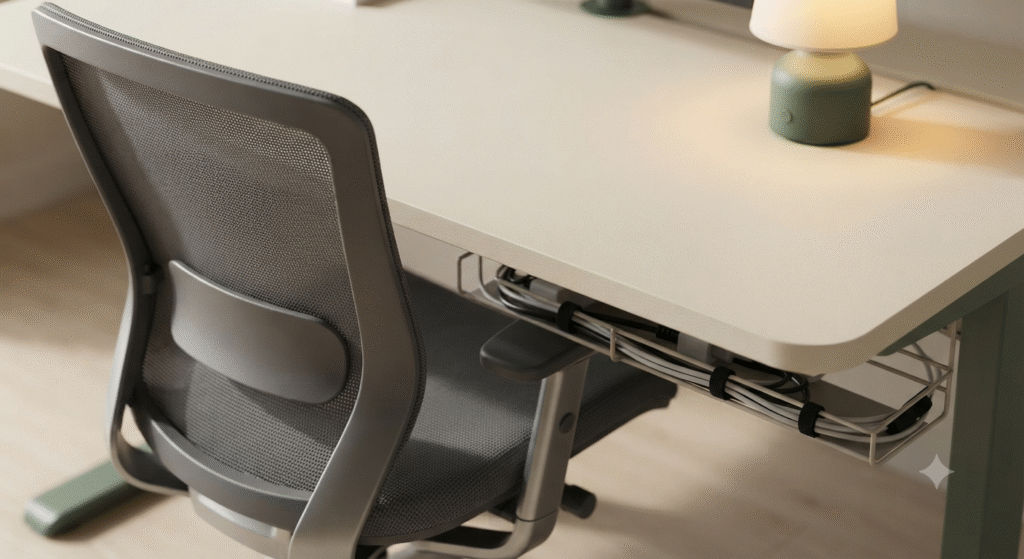
If you fix only two things in your home office, make it these. A desk that’s too shallow
forces your monitor too close; a chair with no lumbar support is the single biggest
cause of the “WFH back pain” nearly every Bangalore professional complains about after
a year of hybrid work.
For a desk, 100–120 cm width and at least 50 cm depth gives you room for a laptop, an
external monitor, and a notepad without clutter. Engineered wood holds up fine for home
use and costs a fraction of solid wood.
For a chair, look for adjustable seat height, lumbar support, and armrests you can set
below elbow height — not a dining chair, and not a gaming chair either, since most
gaming chairs are built for a reclined bucket seat, not eight hours of upright focus
work.
- Light It Like You Mean It
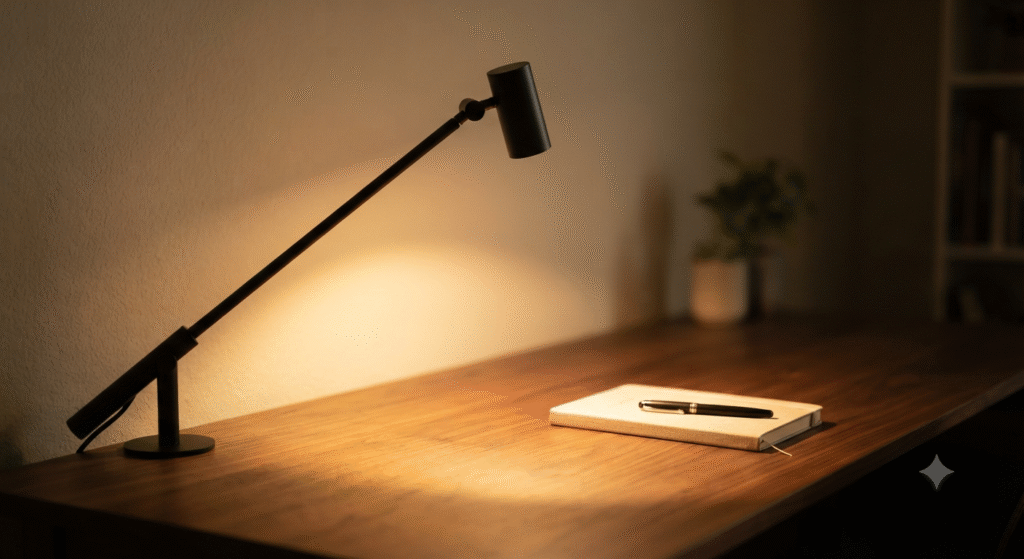
Overhead lighting alone creates glare on screens and shadows on video calls. Add a
desk lamp with adjustable brightness — warm light (2700–3000K) for evening work,
closer to daylight (4000–5000K) for daytime focus. If your desk sits near a window,
position it side-on to the window rather than facing it directly, so you get light
without glare.
- Manage Cables Before They Manage You
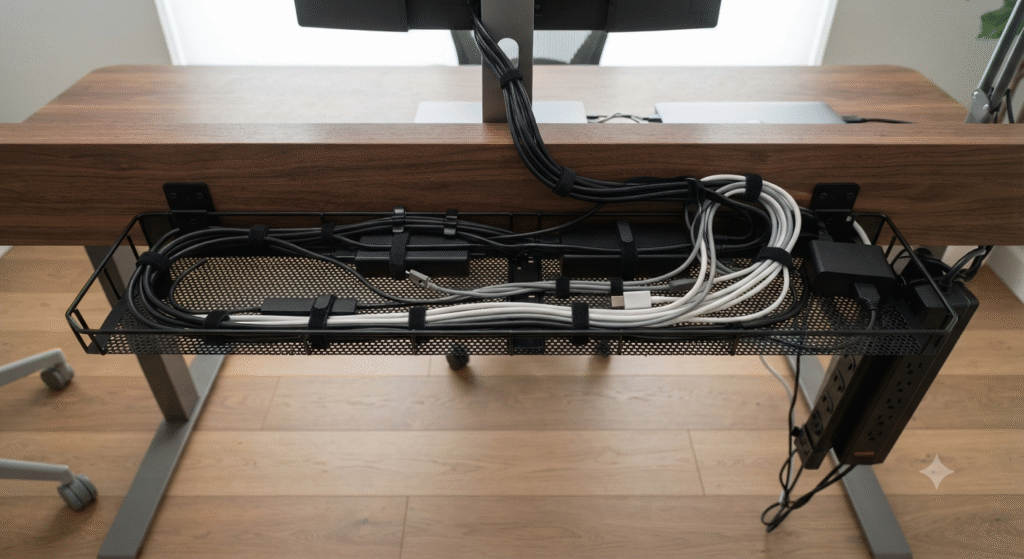
This is the step everyone skips and everyone regrets. A single cable tray or under-desk
organiser keeps chargers, HDMI cables, and extension boards off the floor and out of
sight on calls. It’s a ₹500–800 fix that makes a ₹40,000 setup look finished.
- Add a Second Screen Before You Add Anything Else Decorative
An external monitor does more for daily productivity than any amount of decor. It
reduces eye strain from squinting at a 13-inch laptop screen, and it’s the fastest
way to stop hunching forward — your neck stays neutral because the screen sits at
eye level instead of below it, on your lap or desk edge.
- Only Then, Personalise It
Plants, a pinboard, a piece of art, a rug under the desk — these matter, but only
after the functional layer is sorted. A beautifully styled desk with a bad chair is
still a bad desk.
What This Actually Costs
A solid, ergonomic home office setup in Bangalore — desk, chair, monitor, lighting,
and cable management — typically runs ₹25,000 to ₹45,000 depending on brand choices,
and can be done in a weekend without any contractor involvement. If you’re doing this
alongside a broader interior fit-out after possession — built-in storage, electrical
points, a dedicated workspace nook — that’s a different scope, and worth getting a
proper site visit for rather than guessing at placement.
That’s actually where a lot of homeowners get stuck: they know they want a home
office corner as part of their overall interior plan, but don’t know whether it needs
an interior designer or just a furniture order. If you’re mid-renovation and want a
workspace planned into your layout — not bolted on afterward — Infrabob can match
you with verified, independent designers in Bangalore who’ll actually plan the
electrical points and built-ins around how you work, not just how the room looks in
a render.
The Two-Minute Checklist
- Spot chosen: natural light, wall behind you, plug point in reach
- Desk: 100+ cm wide, 50+ cm deep
- Chair: adjustable height, real lumbar support
- Lighting: desk lamp, positioned side-on to any window
- Cables: tray or organiser, off the floor
- Second screen: at eye level, arm’s length away
- Decor: last, not first
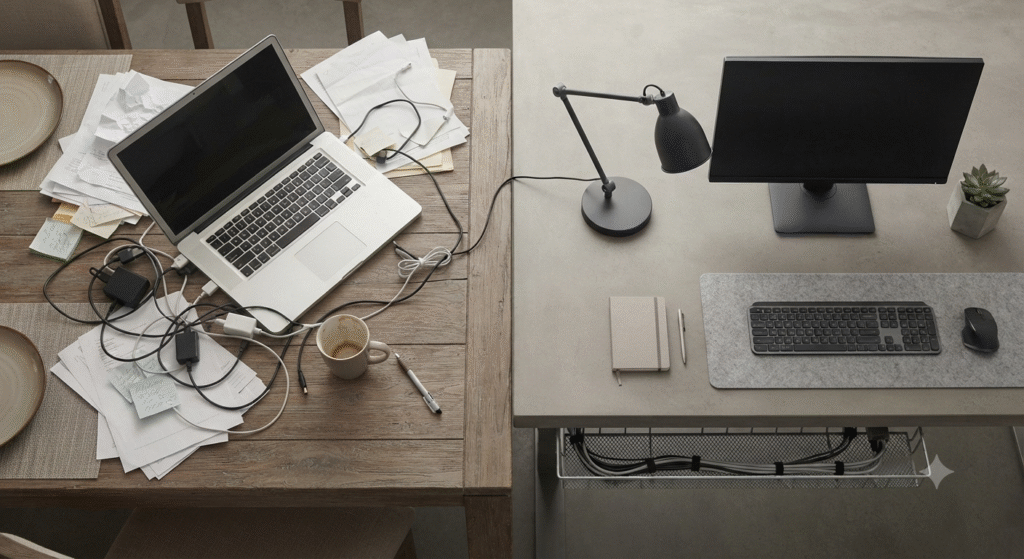
Get the first six right and the seventh takes care of itself. Your home office stops
being “the corner with the laptop” and starts being a room you’re actually glad to
sit in for eight hours.
Want help planning a proper workspace into your home’s interiors? WhatsApp us and
we’ll connect you with 3 verified Infrabob designers in your area — free, no
obligation.