
TL;DR
Home automation in India is no longer a luxury—it’s becoming a practical investment for new homeowners. Start small (lights, fans, temperature control), plan infrastructure during the design phase (not after), and avoid the trap of buying gadgets without a strategy. Total cost for a functional entry-level setup: ₹30,000–₹60,000 for a 2BHK. Don’t wait until after you’ve handed over to your interior designer to think about this; automation infrastructure decisions affect wall placements, electrical layouts, and WiFi positioning. At Infrabob, we’ve seen too many homeowners regret not planning this with their designer upfront.
When Rahul got possession of his 2BHK in Sarjapur Road last November, he had one clear thought: smart home, no mess.
He bought a ₹15,000 WiFi hub, slapped smart bulbs in every socket, added a voice assistant, and called it a day. Three months later, half the bulbs worked inconsistently, the WiFi drop outs meant his air conditioner wouldn’t respond to voice commands, and he’d spent ₹35,000 on devices that felt more like a frustration than a feature.
“I wish I’d known what actually mattered before I moved in,” he told me over WhatsApp last week.
Rahul’s story is the story of almost every first-time homeowner in Bangalore who touches home automation. We buy first, think later. We chase gadgets, not systems. And we end up with a home that’s “smart” by default but useless in practice.
If you’re in the possession stage—or thinking about it—this guide is for you. It’s about building the right foundation, not the flashiest one.
WHAT IS HOME AUTOMATION, REALLY?
Home automation isn’t about having Alexa turn on your lights while you’re in Goa. It’s about automating the everyday, repetitive tasks that waste your time or energy.
In the Indian context, it means:
- Smart lighting (motion sensors, schedules, brightness control)
- Temperature and humidity management (AC/fan automation)
- Power management (turning off devices remotely, usage tracking)
- Security (doorbell cameras, motion alerts, smart locks)
- Entertainment (multiroom audio, TV integration)
The goal isn’t to impress people. It’s to live more efficiently.
WHY YOU SHOULD THINK ABOUT AUTOMATION DURING INTERIOR DESIGN (NOT AFTER)
Here’s what most homeowners get wrong: they finalize interior design, move in, and then decide home automation is a good idea.
By then, it’s expensive and limiting.
Why? Because automation infrastructure—good WiFi coverage, electrical outlet placement, cable runs, switch positioning—needs to be planned during the design phase.
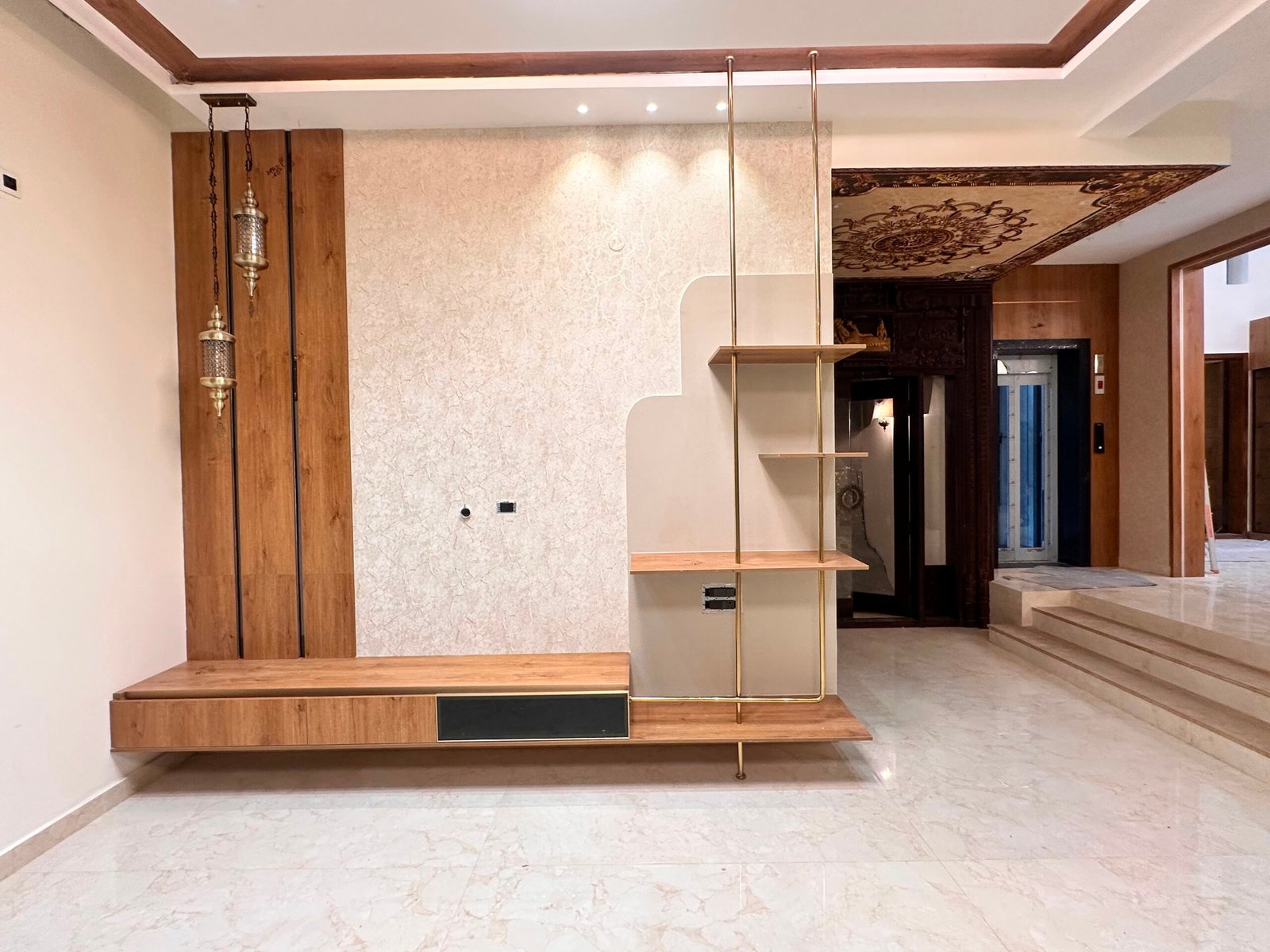
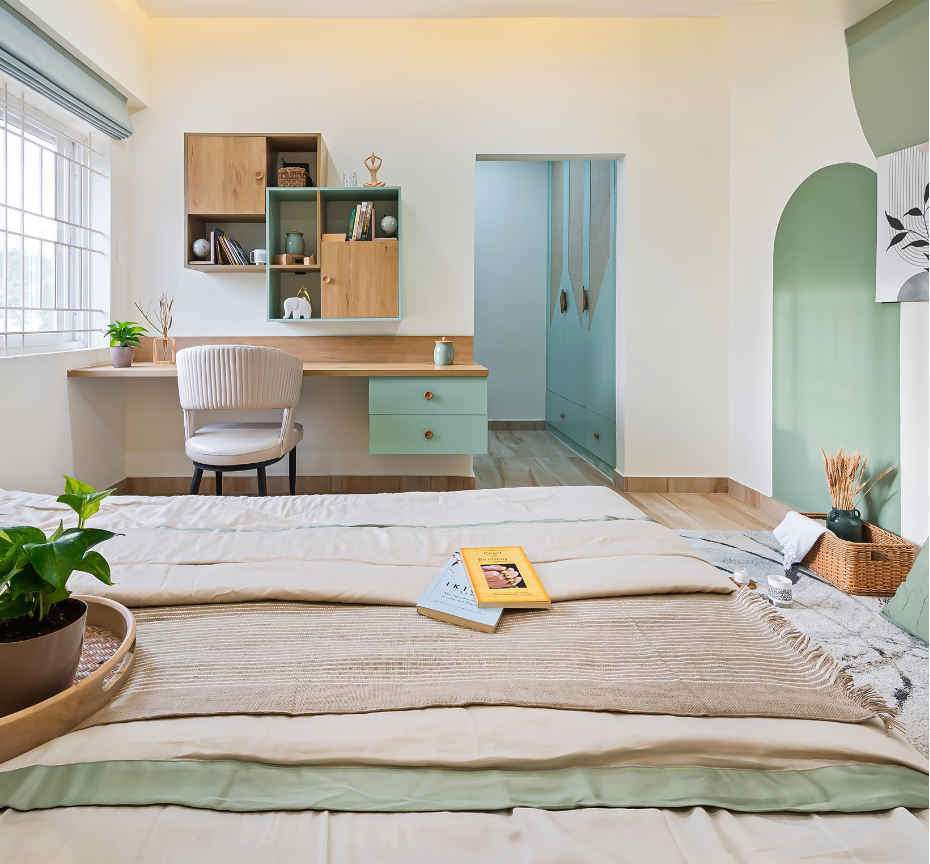
When your interior designer is deciding where your bed goes, where your entertainment console sits, and how your electrical switches are positioned, these decisions directly impact how well home automation works.
Example: You want a smart AC system that adjusts temperature based on room occupancy. But your designer has mounted the AC unit in a corner with zero visibility to motion sensors. The system won’t work properly.
Another example: Your WiFi hub is placed in the lounge, but you’re expecting signal in the master bedroom on the opposite end of a concrete-wall floor plan. Smart devices will disconnect constantly.
If you’re working with an interior designer, tell them about home automation upfront. Good designers will account for:
- Optimal WiFi positioning (usually central, elevated)
- Accessible electrical outlets for future smart devices
- Cable conduits for future integrations
- Switch placements that make sense for voice control and manual override
This doesn’t cost extra. It just requires planning.
THE ENTRY-LEVEL SETUP: WHAT YOU ACTUALLY NEED
Let’s be honest. You don’t need 47 smart devices.
For a 2BHK apartment in Bangalore, here’s what works:
- WiFi Hub (₹3,000–₹8,000)
A solid dual-band router is the foundation. Bad WiFi means your entire system fails. Spend on this first. Brands: TP-Link, Netgear, Realme. - Smart Lights (₹800–₹1,500 per bulb)
Start with the living room and bedroom. 6–8 bulbs will cost ₹5,000–₹10,000. You control brightness, color temperature, and schedules. Over time, you’ll add more. Brands: Philips Hue, LIFX, Wipro Smart. - Voice Assistant (₹3,000–₹5,000)
Amazon Echo Dot or Google Nest Mini. It’s the control center. Everything else talks to it. One device, not multiple. - Smart Fans/AC Control (₹3,000–₹8,000)
A fan controller and AC controller (non-invasive, clips on top of existing switches). This alone saves electricity in Indian homes. Brands: Treatwell, Athom, Livguard. - WiFi-Enabled Switches (Optional, ₹500–₹800 each)
Replace existing wall switches with smart ones. Gives you backup control when automation feels too much. Cost per room: ₹2,000–₹3,000.
Entry-level total for a 2BHK: ₹20,000–₹40,000.
This is not the Instagram-worthy, all-singing-all-dancing setup. But it works. It’s reliable. And it doesn’t make you dependent on one brand or ecosystem.
THE MISTAKES HOMEOWNERS MAKE
- Buying Before Planning
Rushing to Amazon and grabbing whatever’s trending. Then realizing your WiFi doesn’t reach the kitchen. Start with a strategy, not a shopping list. - Going All-In on One Brand
Buying only Google or only Amazon devices sounds convenient until Google discontinues a product line or Amazon changes their API. Mix and match. Use platforms like Home Assistant that work across brands. - Ignoring Network Security
Smart homes are only as safe as their WiFi. Use strong passwords, update firmware regularly, and don’t put every device on your main guest network. - Automating Everything
Just because you can doesn’t mean you should. Automated curtains that close at 7 PM sound cool. But if you’re home early, you’re fumbling around in the dark. Start with light, temperature, and power. Build from there. - Forgetting Manual Override
Your voice assistant breaks. Your WiFi drops. What now? Every smart device must have a manual backup. Always. - Not Planning Cables During Renovation
Running cables through walls after renovation is expensive and destructive. If you’re planning smart home during interior design, ask your designer to run empty conduits where you’ll eventually need them.
THE ECOSYSTEM QUESTION: GOOGLE VS AMAZON VS OTHERS
Here’s the truth: it doesn’t matter as much as companies want you to believe.
For an entry-level homeowner, pick one voice assistant as your hub (Alexa or Google Home). Then, buy devices that are compatible with that ecosystem.
But the real win is buying devices that talk to multiple ecosystems. Smart bulbs like Philips Hue work with both. Smart plugs work with both. So do most modern thermostats.
In India, Alexa has slightly better penetration, better local support, and more regional integrations (like Flipkart for shopping). Google Home is catching up. Choose based on what your friends use (because you’ll ask them for troubleshooting help, and it’s easier if they’ve lived through the same setup).
Don’t get locked into one ecosystem early. You’ll hate yourself later.
LOCAL CHALLENGES IN INDIA (AND HOW TO SOLVE THEM)
- Unreliable WiFi/Power
Home automation only works if your power and internet are stable. If your area has frequent outages, invest in a good UPS for your WiFi hub and router. A 2000VA UPS costs ₹8,000–₹15,000 and will keep your WiFi alive during power cuts. - High-Frequency Electrical Interference
Indian appliances (especially older ACs and microwave ovens) can interfere with WiFi signals. Keep your router away from such devices. Use 5GHz band if possible. - Water Pressure and Quality Issues
If you want to automate water pumps or geysers, expect complications. Most “smart” water systems sold in India are gimmicks. Stick to simple on/off controls via smart plugs. - Humidity and Temperature Swings
Bangalore is generally temperate, but humidity can affect device longevity. Buy devices with proper thermal ratings. Avoid cheap Chinese gadgets that overheat. - Lack of Local After-Sales Service
If your device breaks, there’s no authorized service center nearby. Buy from brands with good online support or bulk returns on Amazon/Flipkart.
WHAT YOU CAN AUTOMATE BY ROOM (AND WHAT’S WORTH IT)
Living Room: Lights, AC, fan, entertainment console. High ROI.
Master Bedroom: Lights, AC, fan, door lock (optional). Medium ROI.
Kitchen: Lights, appliance controls (careful here—safety matters). Medium ROI.
Bathrooms: Lights, exhaust fans, water heater. Medium ROI.
Balcony: Lights, water pump control. Low-medium ROI.
The biggest bang for your buck: lights and temperature control. These are things you adjust multiple times a day.
THE COST REALITY
A functioning entry-level home automation setup for a 2BHK: ₹30,000–₹60,000
A mid-range setup (more devices, better integration): ₹60,000–₹1,20,000
A fully integrated smart home (everything automated, premium devices): ₹1,20,000+
Most Bangalore homeowners are happy somewhere between entry-level and mid-range. Full automation is overkill unless you have the budget and patience for troubleshooting.
PLANNING FOR HOME AUTOMATION DURING YOUR INTERIOR DESIGN JOURNEY
This is the key insight: if you’re in the possession phase or finalizing your interior design, talk to your designer about home automation infrastructure.
Good designers are already thinking about WiFi hubs, electrical outlets, and switch placements. Great designers will integrate home automation planning into the overall design without adding cost.
Ask your designer:
- Where’s the best location for a WiFi hub in your floor plan?
- Are there conduits running through walls for future cable runs?
- Are electrical outlets positioned logically for smart device charging?
- How are light switches positioned relative to the bed, sofa, and work area?
At Infrabob, we’ve noticed that homeowners who mention automation to their designer upfront have vastly better outcomes. The designer can position wiring, outlets, and infrastructure in a way that makes automation feel natural, not retrofitted.
When you’re meeting with designers, home automation doesn’t have to be the main topic. But if you hint at it—”I’m thinking about smart lights and temperature control”—a good designer will account for it. An excellent designer will suggest optimizations you hadn’t thought of.
THE ROAD AHEAD: WHAT’S COMING IN 2026-2027
- Matter Protocol
A new industry standard that lets devices from different brands talk to each other without a central hub. This is a game-changer for interoperability. - AI-Powered Automation
Devices that learn your patterns and automate without explicit commands. “I notice you always lower the AC at 10 PM, shall I do it automatically?” - Better Energy Monitoring
Smart plugs and switches that show you exactly where your electricity is being wasted. Game-changing for Indian homes where power bills are a concern. - Local Alternatives
Indian companies like Livguard, Treatwell, and others are building affordable automation devices designed for Indian needs (power fluctuations, heat, humidity, electrical standards). - Integration With Water and Gas Systems
Smart water meters and gas detectors are becoming mainstream. This is huge for safety and cost control.
By 2026, home automation won’t be a luxury. It’ll be a baseline expectation in well-designed homes.
FINAL WORDS: DON’T OVERTHINK IT
Home automation is useful. It’s not magic.
Start with WiFi, lights, and temperature. Understand how your setup works. Then expand. Learn from what breaks or frustrates you. Build from there.
And here’s the thing: you don’t need to figure this out alone. If you’re hiring an interior designer to transform your space, this is the perfect time to talk about automation infrastructure. Good designers won’t just think about aesthetics. They’ll think about how you actually live—and automation is part of that.
When you’re ready to find a designer who gets this stuff, who can blend automation planning with beautiful, functional design, that’s what platforms like Infrabob exist for. You meet verified designers, compare their approaches (including how they handle tech integration), and choose the one who aligns with your vision.
Your smart home starts with a smart design plan. Build that foundation first.
Questions? Drop them in the comments. We read every one.